Beginner · 5 min
Your first asset in a couple of minutes
From a one-line prompt to a GLB + OBJ in your engine.
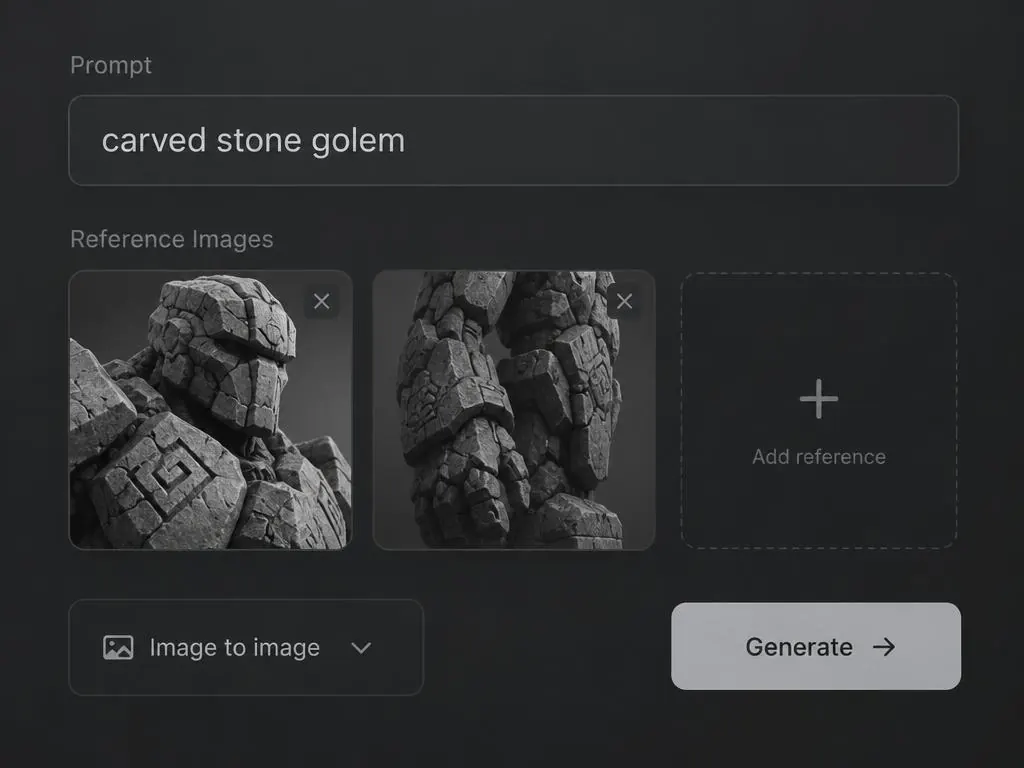
This guide takes you from an empty workspace to a downloaded, engine-ready mesh.
- 1
Open New asset
Sign in and open the dashboard. Type into the prompt bar at the bottom.
- 2
Write a short prompt
Name the object, its material and its style: 'wooden treasure chest, iron bands, stylized'.
- 3
Forge builds it
Forge is the only engine in the prompt bar. It plans the mesh, builds it and critiques its own pass.
- 4
Wait a couple of minutes
The card shows the current pass. Forge saves after each one.
- 5
Download
Open the asset and download GLB + OBJ from the viewer or the Forge panel.
Tip: keep prompts to one object. Scenes work better as several assets.
Forge your first asset
Try a generation free with a free account.